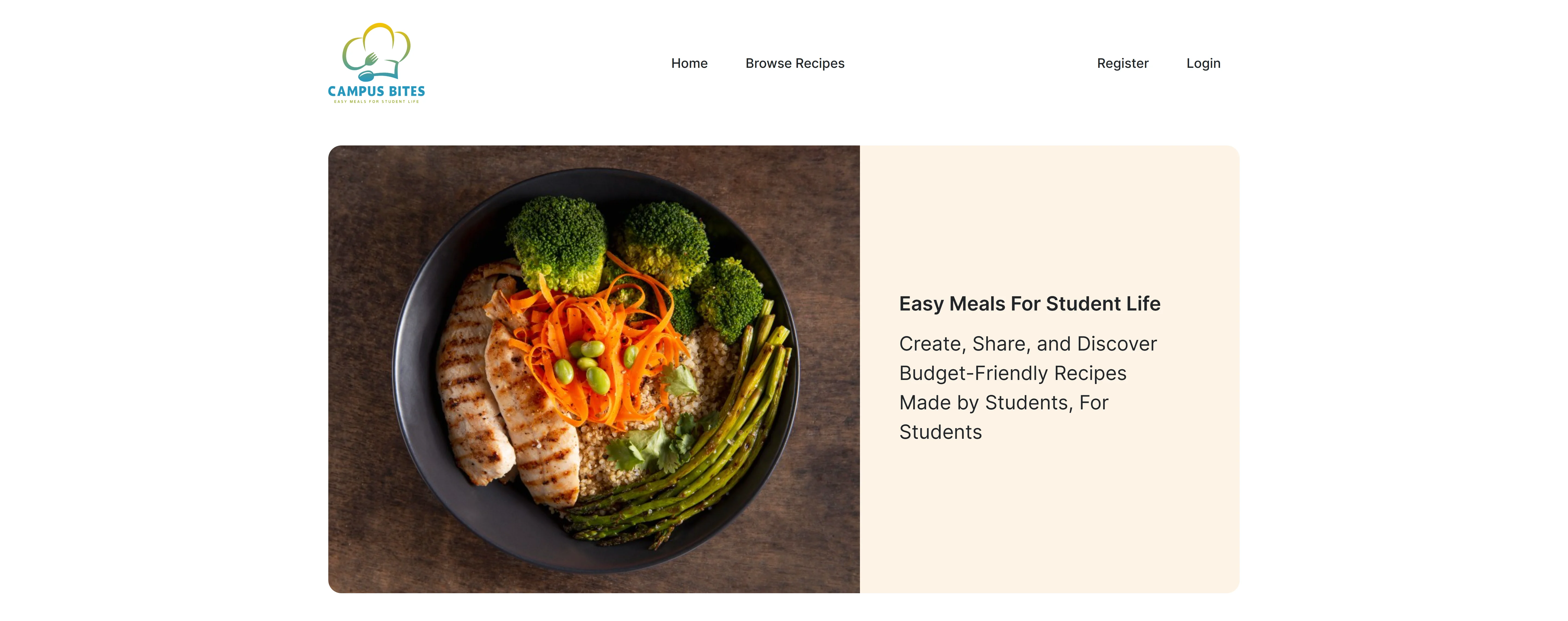
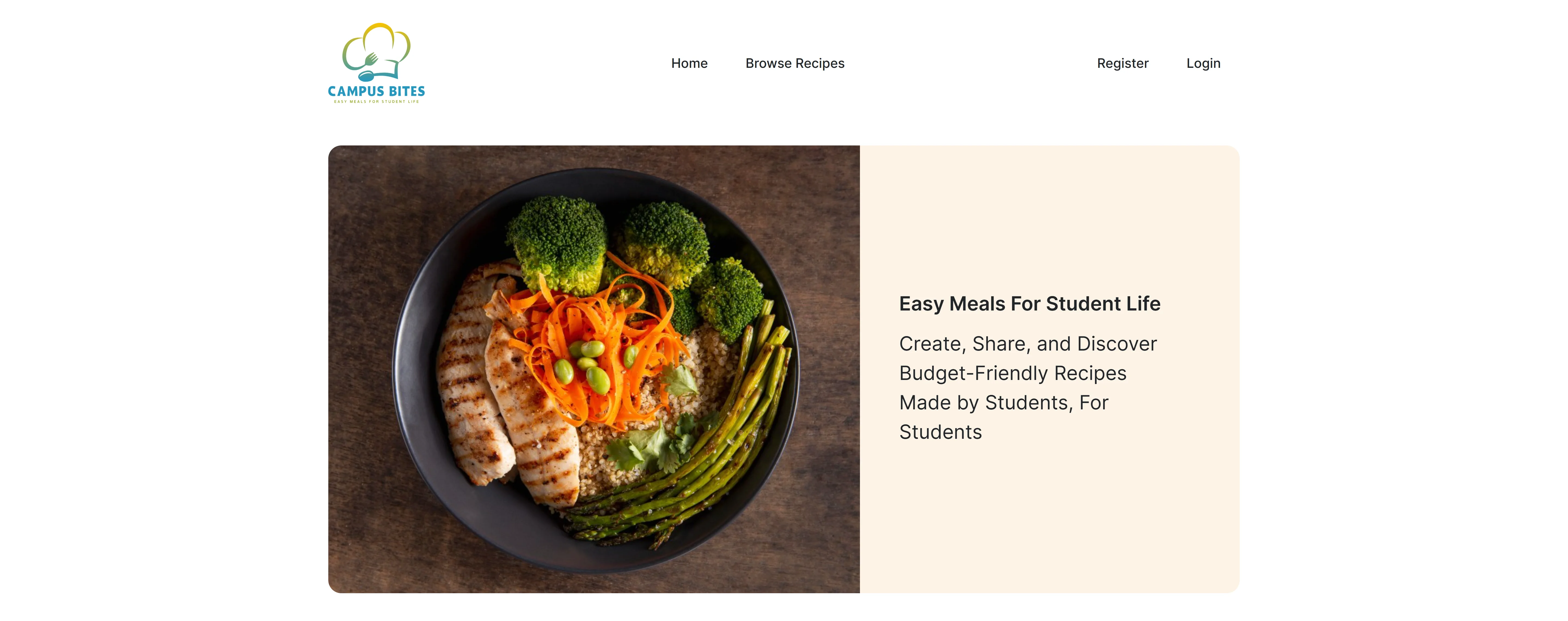
Affordable recipe discovery
Brief
The product sits between student life and content governance.
The design problem was not just recipe browsing. Campus Bites had to support a community library where students could create content, propose ingredients, upload images, and wait for approval without making the public experience feel broken.
Draft-first recipe publishing
Ingredient approval indicators
Role-aware admin moderation
The first decision
Make approval visible instead of mysterious.
A student contributor should never wonder why a recipe is not public yet. Draft status, proposed ingredients, and placeholder imagery make the moderation state visible without exposing unverified content.
The interface treats moderation as part of the recipe journey, not an admin-only afterthought.Find a practical recipe
Visitors browse meals shaped around student constraints such as limited appliances, simple ingredients, and quick preparation.
Create a draft
Registered users can submit recipes, upload images, and propose ingredients without immediately publishing unverified content.
Hold unapproved assets
Images and novel ingredients are separated from the public display until the moderation step clears them.
Review and approve
Administrators decide which ingredients and images are safe to show, turning draft content into public content.
See the trusted version
The final recipe library stays clean, searchable, and useful for students looking for realistic meals.
01
Discovery surface
Meals built for student constraints
The public side keeps the promise simple: find meals that fit limited time, budget, ingredients, and equipment.
student/recipe-library
02
Content surface
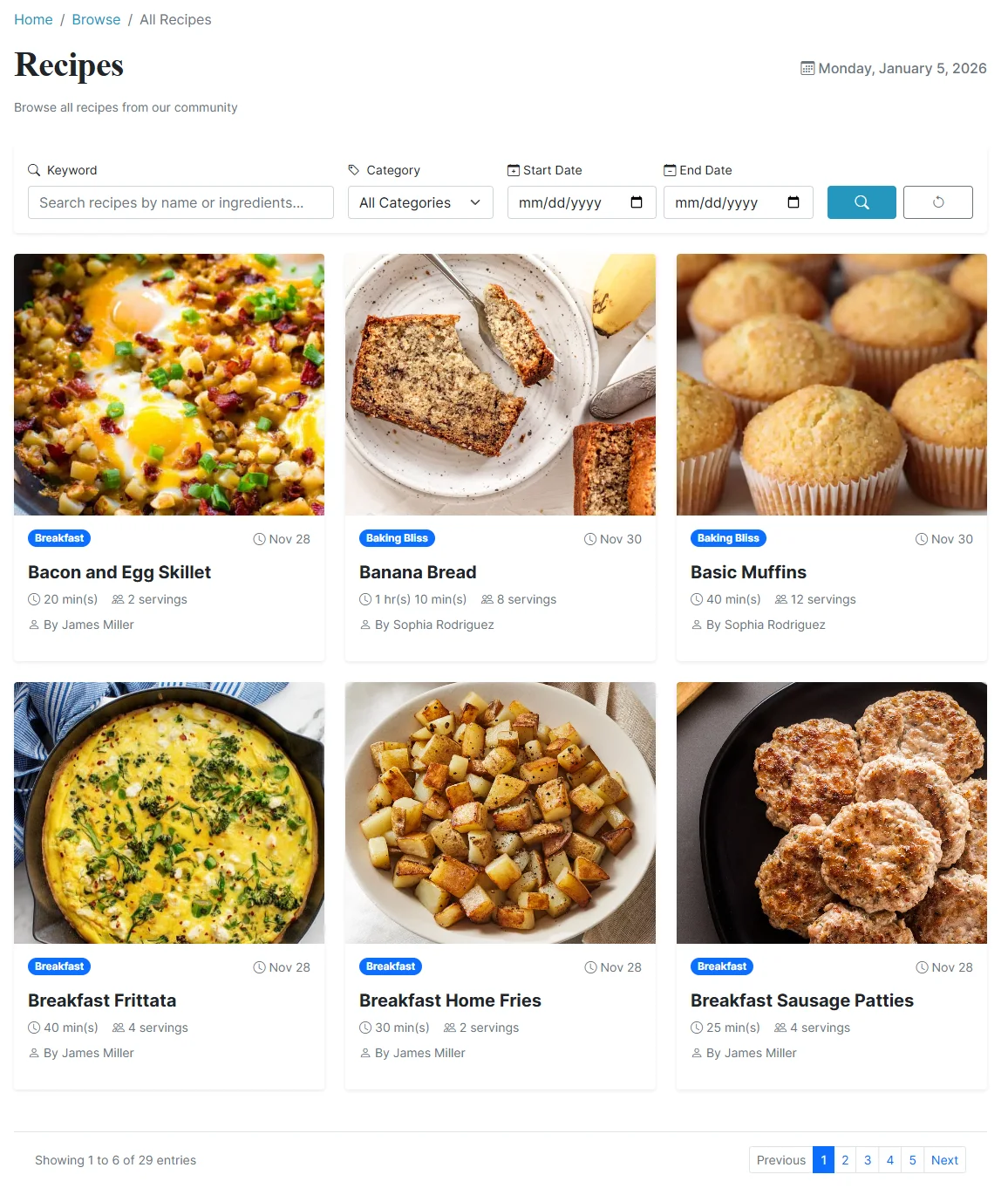
Recipe cards with enough context
The interface uses clear recipe previews and content hierarchy so students can compare options without opening every record.
recipes/cards
03
Moderation surface
A publishing system with guardrails
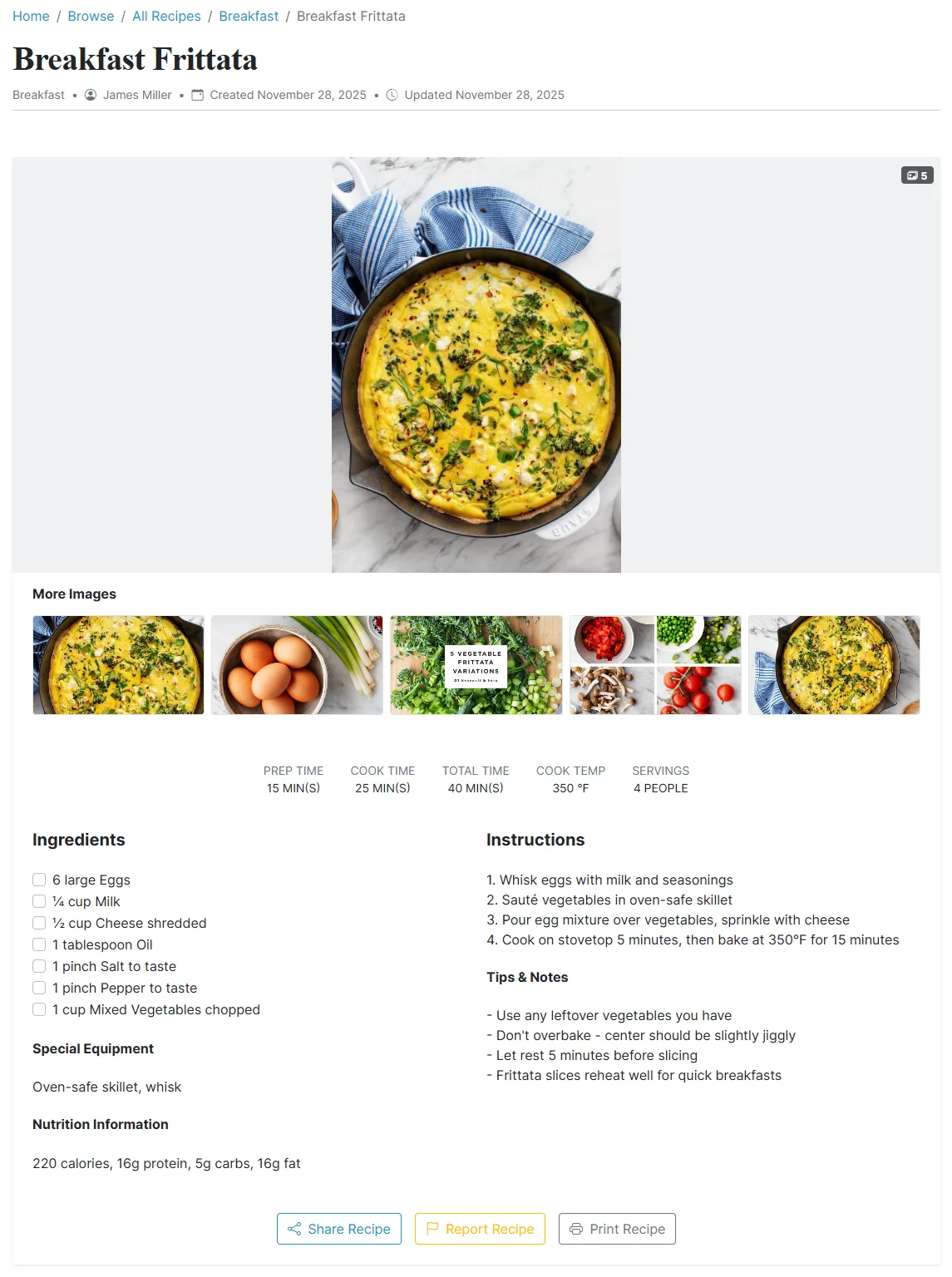
Approval states, image handling, and role-based actions keep community contributions useful without lowering the quality bar.
admin/review
Design decisions
Small student actions, clear publishing states.
Design for quick scanning
Student users are usually deciding fast. Search, category filtering, and clear recipe cards keep the discovery path lightweight.
Separate creation from publication
Recipes can exist as drafts while images and ingredients wait for admin approval, preventing accidental public exposure.
Use placeholders as trust signals
Unapproved images are replaced instead of hidden silently, so contributors understand the state without the page looking broken.
Make roles feel natural
Anonymous visitors, registered students, and administrators see the controls that match their level of responsibility.
Architecture
The system is split around trust.
ASP.NET Core MVC handles the user-facing workflows, Identity separates access levels, Entity Framework Core persists recipes and moderation state, and SQL Server keeps the content library queryable.
 C#
C#  ASP.NET Core MVC Entity Framework Core
  SQL Server
  Bootstrap 5 ASP.NET Core Identity
 Recipe interface
Controllers and views support browsing, searching, recipe creation, and student-friendly content flows.
Role boundaries
Anonymous visitors, registered users, and administrators receive different permissions and controls.
Moderation state
Recipes, ingredients, images, and approval states are persisted through the application data model.
Content library
Searchable recipe data and approval records stay structured for filtering and review workflows.
Evidence
The implementation details that make the recipe library trustworthy.
Approval Workflow
Recipes are automatically set to 'Draft' status and cannot be made public until all images and novel ingredients are approved by an admin.
Image Security
Uploaded images are segregated from the main display folder and replaced with an 'Image Not Available' placeholder until they pass visual inspection.
Ingredient Management
Users can propose new ingredients, which appear in the list with a visual indicator warning other users that the item is 'Not Yet Approved'.
Smart Search
Advanced filtering allowing visitors to search recipes by keyword, date, and category simultaneously.
Role-Based Access
Authentication system distinguishing between Anonymous Visitors, Registered Users (who can create content), and Administrators.